Canva vs Presenton: Visual Design Suite or Open-Source Presentation Control?
Canva is a comprehensive visual design suite with presentations, social graphics, video and print. Presenton combines full AI presentation generation with editable PowerPoint delivery, custom company designs, team workflows, presenter tools, MCP, APIs, flexible AI providers and privacy-focused cloud, desktop, Docker/self-hosted, VPC, on-premise and air-gapped deployment.
What is Canva?
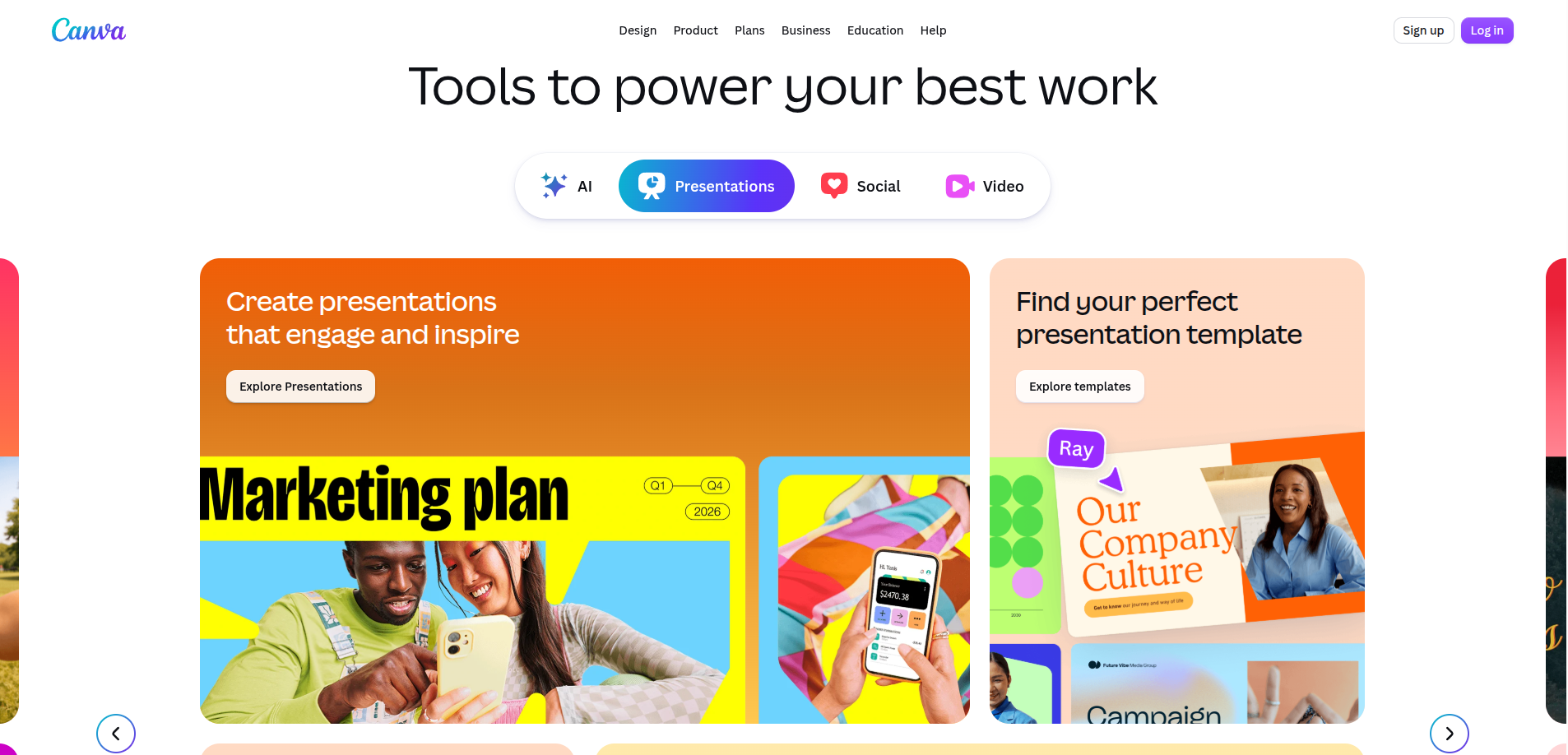
Canva is an all-in-one graphic design platform offering presentation authoring alongside marketing graphics, social media posts, videos, print materials and brand kit management.
What is Presenton?
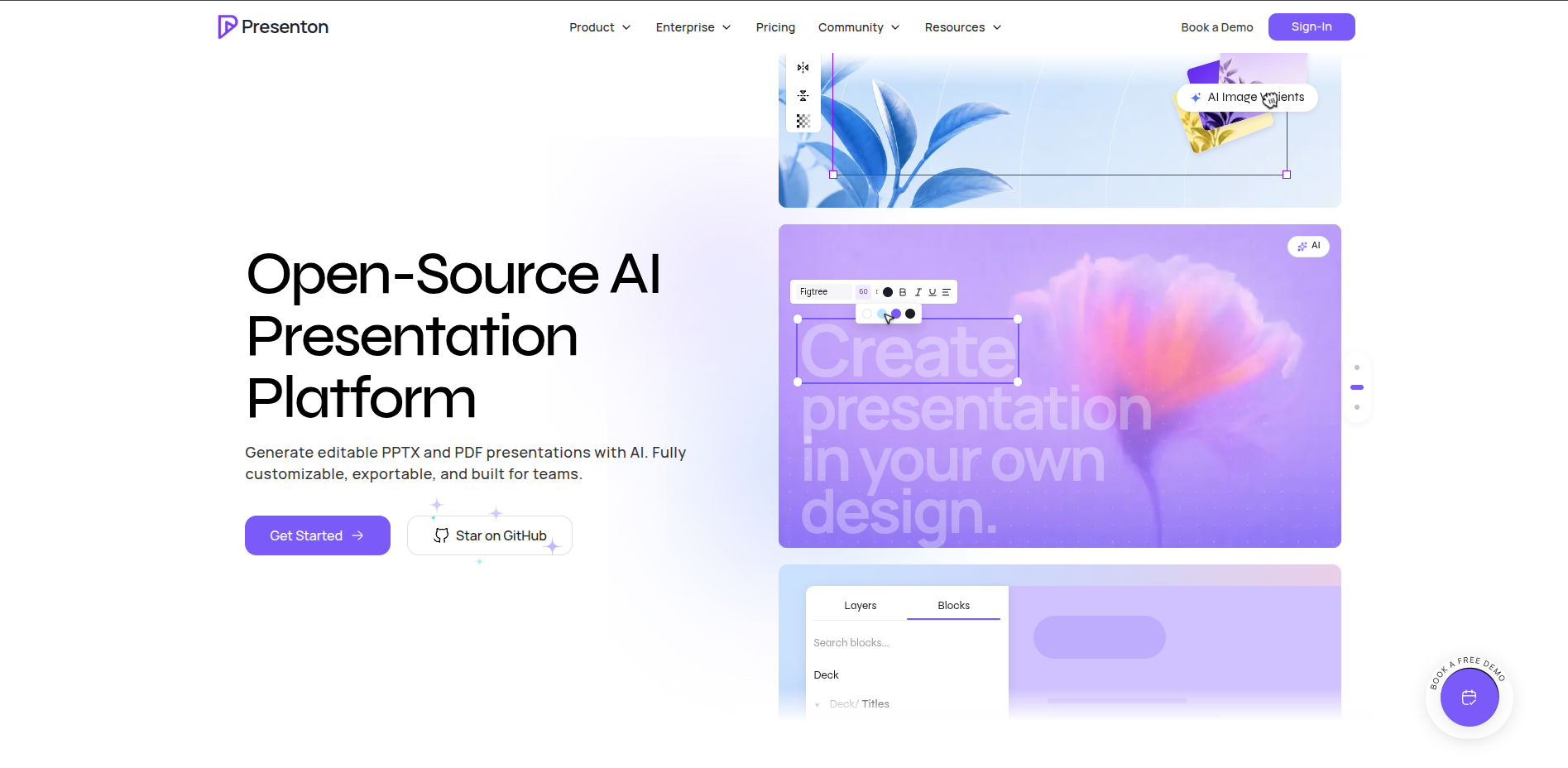
Presenton is an open-source AI presentation platform for creating, editing, presenting and automating decks from prompts, documents, data or APIs. It supports company PowerPoint designs, team collaboration, speaker notes, presenter workflows, Presenton AI, BYOK, local models (Ollama & LM Studio), MCP and deployment from managed cloud to private infrastructure.
Last reviewed: August 19, 2026
Is Presenton a good Canva alternative?
Yes. Canva is unmatched if you need a general-purpose graphic design suite with vast stock media libraries and social asset creation. Presenton is especially compelling when you need a dedicated presentation engine, native editable PowerPoint (.pptx) output, reusable corporate PPTX design systems, BYOK provider choices, fully local AI generation (Ollama & LM Studio), a self-hostable MCP server, or private deployment via Docker and VPCs.
Canva vs Presenton at a glance
The biggest differences in design, PowerPoint, AI control, privacy and enterprise deployment.
Presenton: AI generation + full workflow control
Presenton: editable PPTX as a core output
Presenton: cloud, desktop, Docker/self-hosted, VPC, on-prem & air-gapped
Presenton: Presenton AI, BYOK & local AI (Ollama & LM Studio)
Canva vs Presenton feature comparison
Compare AI generation, template reuse, PowerPoint fidelity, collaboration, presenter tools, MCP, APIs, privacy and enterprise deployment.
| Category | Canva | Presenton |
|---|---|---|
| Best for | Multi-purpose graphic design, social media assets, marketing collateral and template-driven presentations | Teams that need AI presentations with editable PowerPoint, private deployment, custom designs and workflow control |
| AI presentation generation | Magic Design generates presentation drafts, rewrites text and generates images inside Canva using vendor-managed cloud AI. | Generate from a prompt, PDF, PPTX, DOCX, other documents, structured data or API request. Presenton can also preserve, enhance or condense supplied source content. |
| Design automation & templates | Extensive library of graphic templates, stock photos, illustrations, video assets, fonts and Brand Kits. | Presenton generates into structured templates and reusable design systems. Users can manually edit the canvas or refine content and visuals using chat-based AI editing. |
| Canvas editing | Flexible drag-and-drop graphic design canvas with layer management, photo filters and animation presets. | Full presentation canvas editing. Drag, resize and edit text, images, icons, charts, tables, shapes and layers after generation. |
| Bring your own design | Set up Brand Kits with fonts, logos and color palettes within Canva workspaces. | Upload an existing company PPTX and turn it into a reusable AI presentation design system. Presenton learns layouts, typography, colors, spacing and editable regions from real source slides. |
| Existing PowerPoint | Upload PowerPoint (.pptx) files to convert into editable Canva designs. | Existing PPTX decks can be imported as source content, edited with AI or converted into reusable generation templates. |
| Editable PowerPoint | Exports presentations to PPTX format; complex graphic layers, custom fonts or vector effects may require adjustment in PowerPoint. | Fully editable PPTX is a core Presenton output. Exported presentations contain real editable elements (text boxes, shapes, layouts) instead of flattening the whole deck into slide images. |
| Export formats | PDF, PNG, JPG, MP4 video, animated GIF, print products and web view links. | Editable PPTX and PDF. Presenton Cloud API v3 additionally supports programmatic PNG export. |
| Presenter & speaker notes | Presenter view with speaker notes, live audience Q&A and presentation recording. | Presenter workflows and speaker notes are supported. Speaker notes are stored per slide and are also represented in Presenton's presentation data model. |
| Team collaboration | Real-time team collaboration, comments, shared brand assets and team approval workflows. | Presenton Cloud includes team collaboration, and the self-hosted edition supports multi-user workspaces and administrator-managed users. |
| Privacy & data governance | SOC 2 certified multi-tenant cloud platform hosted on vendor infrastructure. | Presenton states that specific presentation content is not used to train its models without explicit consent. Aggregated and anonymized usage data may be used for service improvement. |
| AI provider & BYOK | Canva uses vendor-managed cloud AI models. No customer BYOK model configuration. | Presenton AI, BYOK and local models. Configure OpenAI, Gemini, Anthropic, Azure OpenAI, Amazon Bedrock, OpenAI-compatible providers and local Ollama & LM Studio models. |
| Fully local AI | Canva does not currently document local AI model support; requires cloud connection. | Presenton can run locally without external AI APIs. Self-hosted deployments can use local Ollama & LM Studio models and keep presentation generation inside the organization's network. |
| Developer APIs & webhooks | Canva Connect APIs enable programmatic integration of designs, assets and publishing workflows. | Built-in REST API and webhooks. Programmatically generate, edit, derive and export presentations from internal applications or workflows. |
| Model Context Protocol (MCP) | Canva operates a remote MCP server (mcp.canva.com/mcp) for conversational AI assistants via OAuth. | Native, self-hostable MCP server included. AI coding assistants and autonomous agents can create and structure presentation decks over Streamable HTTP or local stdio. |
| Self-hosting & Docker | No self-hosted or customer-operated edition is documented. | Yes. Presenton can be deployed with Docker on infrastructure controlled by the organization. |
| Enterprise deployment | Canva Enterprise plans with SSO, centralized brand controls, asset licensing and enterprise SLA. | Cloud, private VPC, on-premise and air-gapped deployments are available for Enterprise. Deployment architecture and commercial terms depend on the enterprise contract. |
| Open source | Proprietary commercial SaaS. | Apache 2.0 open-source core. Self-host without license fees and inspect or customize the presentation engine code. |
Who should choose each platform?
Match your workflow, team requirements and security needs to the right tool.
Choose Canva if you:
- need an all-in-one design suite for social media, print, marketing and presentations;
- want access to millions of stock photos, graphics, audio tracks and video assets;
- rely on Canva Brand Kits across a diverse marketing and creative team;
- prefer a fully managed cloud SaaS with rich graphic design tools;
- do not require open-source licensing, Docker self-hosting or offline local AI execution.
Choose Presenton if you:
- need genuinely editable native PowerPoint (.pptx) presentations;
- want to reuse your existing corporate PPTX templates and brand design systems;
- require BYOK provider flexibility (OpenAI, Gemini, Claude, Bedrock) or local models (Ollama & LM Studio);
- want presentation generation via developer APIs, webhooks or Model Context Protocol (MCP);
- need Docker self-hosting, desktop apps, private VPC or air-gapped infrastructure.
Privacy and enterprise deployment
How Canva and Presenton handle sensitive presentation content, infrastructure ownership and compliance.
Canva: Enterprise security & cloud governance
Canva operates as a multi-tenant cloud design platform maintaining enterprise compliance (SOC 2, ISO 27001), SAML SSO and team workspace administration. Designs, media assets and brand kits reside on Canva's managed servers.
While suitable for broad creative and commercial design needs, organizations with strict data residency, on-premise governance or air-gapped security requirements cannot run Canva on private server infrastructure or isolate AI generation within their own private VPC.
Presenton: Privacy, self-hosting & VPC
Presenton gives organizations greater control over deployment, storage, and AI provider selection. Presenton states that specific presentation content is not used to train its models without explicit consent, while aggregated and anonymized usage data may be used for service improvement.
With Docker self-hosting and local AI model support (Ollama & LM Studio), presentation processing can remain entirely internal. When cloud providers (OpenAI, Gemini, Claude, Bedrock) or the Presenton Cloud provider are configured, requests are routed to those respective endpoints. Full air-gapped or offline operation is possible when local models are used and all external image, search, font, storage and telemetry dependencies are internal or disabled.
Limitations to consider
Important tradeoffs to weigh before deciding between Canva and Presenton.
Canva trade-offs
- Closed SaaS ecosystem: Cannot be self-hosted, audited or extended via open-source code.
- PowerPoint export fidelity: Complex design elements and custom web fonts can shift or require manual cleanup in PowerPoint.
- No local AI execution: Cannot run models through Ollama or LM Studio for offline privacy.
- Generalist design focus: Not optimized specifically for structured corporate slide deck automation or PPTX design system derivation.
- No BYOK model flexibility: Users cannot connect their own enterprise LLM provider keys directly.
Presenton trade-offs
- Focus on slide deck generation: Presenton is optimized for generating, editing and exporting presentation decks rather than replacing heavy general-purpose graphic suites.
- Technical setup for self-hosting: Running Docker or local models requires infrastructure configuration and adequate hardware resources (VRAM/RAM).
- BYOK model management: When bringing your own API keys, users manage their provider credentials and usage directly.
Canva vs Presenton pricing
Plan structures, licensing, and self-hosting options compared.
| Plan / Tier | Canva | Presenton |
|---|---|---|
| Free entry point | Free tier includes basic design tools, limited templates and standard export formats. | Open source (Apache 2.0) is free forever for self-hosting. Desktop apps and community editions have no software licensing fee. |
| Paid / Pro tiers | Canva Pro ($15/mo or $120/yr) includes premium templates, Brand Kits, Magic Studio AI and cloud storage; Canva for Teams ($10/user/mo). | Presenton Cloud & API: Flexible credit-based plans with provider choices, cloud collaboration and higher generation limits. |
| Enterprise & Self-Hosted | Canva Enterprise plans with advanced security, brand controls, dedicated account management and SLA. | Enterprise deployment: Custom VPC, on-premise, air-gapped environments, SSO, SLA and dedicated support. |
Related comparisons
Explore other presentation tool comparisons to find the best fit for your team.
Canva vs Presenton FAQ
Common questions about slide generation, PowerPoint editing, template reuse, AI providers, MCP and self-hosting.
Is Presenton a good Canva alternative?
Yes. Canva is ideal if you need a broad graphic design suite for social media, print and marketing. Presenton is especially compelling when you need a dedicated presentation engine, native editable PowerPoint (.pptx) output, custom corporate template reuse, BYOK provider flexibility, fully local AI generation (Ollama & LM Studio), developer APIs, a local MCP server, or Docker/VPC self-hosting.
Can Canva and Presenton export PowerPoint files?
Canva exports presentations to PPTX format by translating graphic canvas elements into slides. Presenton exports fully native, editable PPTX files where text boxes, vector shapes, layouts and typography remain standard PowerPoint elements.
Can I reuse my company's custom PowerPoint templates in Presenton?
Yes. Presenton allows you to upload existing company PPTX templates and convert them into reusable design systems so that all generated decks adhere strictly to your brand fonts, color palettes and master layouts.
Can Presenton run AI models locally without cloud dependencies?
Yes. Presenton supports fully local presentation generation through Ollama & LM Studio, allowing self-hosted organizations to generate presentations without transmitting content to external cloud LLMs.
Can I bring my own AI provider keys (BYOK) to Presenton?
Yes. Presenton supports bring-your-own-key configurations with providers including OpenAI, Google Gemini, Anthropic Claude, Vertex AI, Azure OpenAI, Amazon Bedrock, and OpenAI-compatible endpoints, as well as local Ollama & LM Studio models.
Does Presenton include a Model Context Protocol (MCP) server?
Yes. Presenton includes a built-in MCP server that enables AI agents, cursor environments and developer assistants to generate, modify and structure presentations programmatically.
Can Presenton be deployed with Docker or in private VPCs?
Yes. Presenton is Apache 2.0 open source and can be self-hosted via Docker. Enterprise editions also support deployment in private VPC, dedicated on-premise clusters and air-gapped environments.
How this comparison was researched
First-party product documentation, technical specifications and direct testing.
Methodology and sources
We evaluated Canva and Presenton across AI generation workflows, presentation authoring, editable PowerPoint fidelity, template reuse, AI model choice, developer tooling, data privacy, licensing and infrastructure flexibility. Product claims are verified against official documentation:
Your presentations. Your design. Your infrastructure.
Generate editable presentations, collaborate with your team, present with notes, bring your own AI provider, connect agents through MCP, automate with an API or deploy Presenton privately in your own environment.
Try Presenton